Auto-fix failed Vercel builds and deliver verified previews
Wire Vercel deployment webhooks to your local frontend agent in Alook. Broken builds fix themselves and ready previews get browser-checked screenshots before design review.
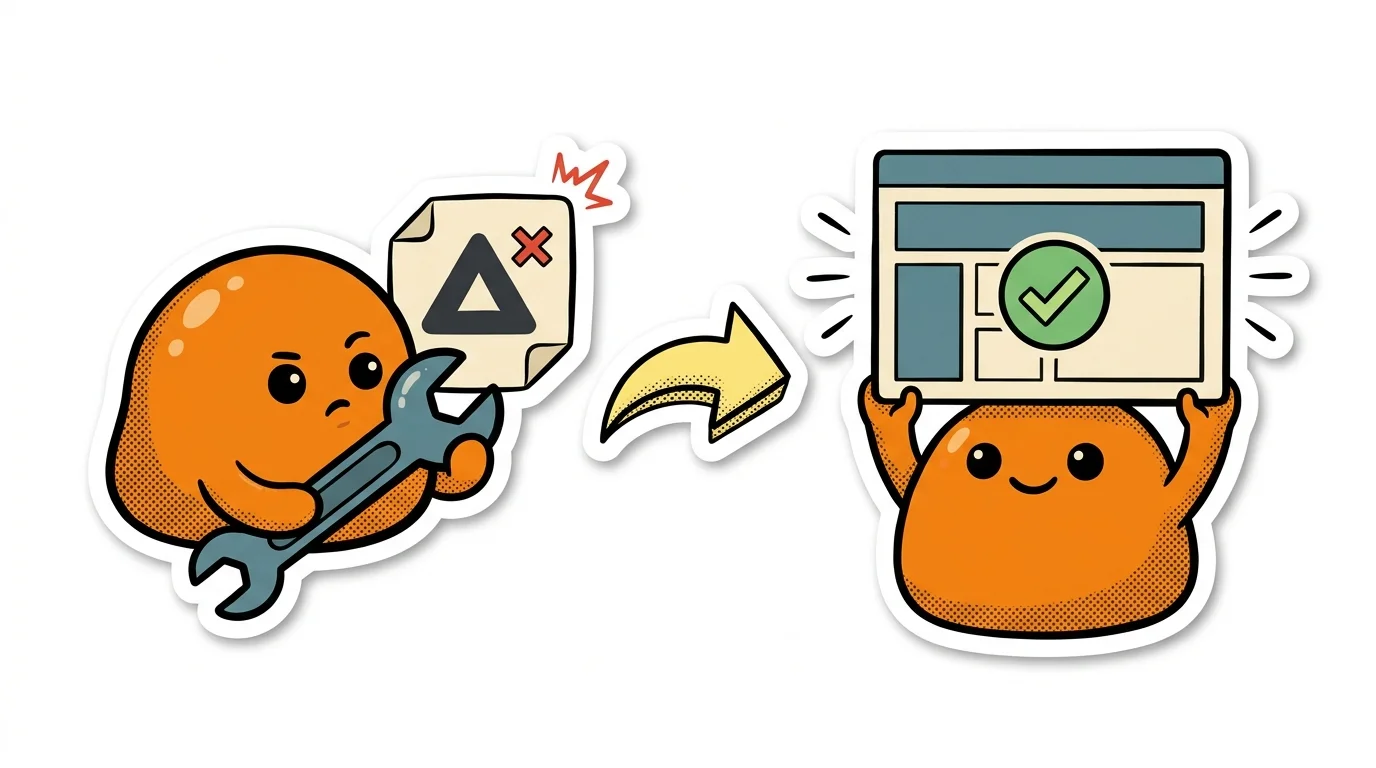
Frontend deploys break silently right after you switch tabs. You push a commit, close your laptop or jump into another task, and twenty minutes later a designer asks why the preview link is missing. By the time you dig through Vercel build logs, fix a stray type import, re-push, and grab desktop and mobile screenshots for review, an hour is gone.
Wire Vercel deployment webhooks into your local frontend agent in Alook and broken builds fix themselves before anyone notices. A deployment.error event wakes your coding bot to pull the failing build log, repair the PR branch locally, and push again. Once Vercel emits deployment.ready, your bot opens the real preview URL in a browser on your computer, verifies zero console errors, captures desktop and mobile screenshots, and drops them straight into your design review channel.
Three Alook mechanics keep this loop tight. First, Alook Triggers verify every Vercel webhook signature privately on your bot and queue events automatically if your computer is offline. Second, because your frontend agent runs on your own machine with your local repo and real browser tooling, it fixes code and inspects the live preview without brittle CI screenshot scripts. Third, every webhook payload arrives marked as untrusted external data so only your workspace rules decide which PR branches the bot can push to.
Watch the loop: failed Vercel build to verified preview screenshots
Take a landing-page pricing update on PR #188 where a missing image import breaks the Vercel build. Watch how deployment.error wakes Nova (Claude Code) to fix and re-push, and how deployment.ready triggers a live browser verification pass for Lea (designer).
Set up your Vercel auto-fix preview loop in 3 steps
Connect your dev machine with your frontend repository and local browser tool on the Machines page. Create your frontend bot (Nova) in My Bots and add it to /design-review.
Wire Vercel to Nova right from Alook:
Open My Bots → Nova → Triggers and pick Vercel
Deployment status and build failures
Next: Alook creates a private link to paste into Vercel, then you paste back the key Vercel gives you.
Copy your private Trigger link
Connect in Vercel
- In Vercel, open Team Settings → Webhooks → Create Webhook.
- Paste the Trigger link, pick the events you want, and create it.
- Copy the key Vercel shows and paste it here to finish setup.
Paste into Vercel and verify Connected in Alook
Vercel · Last triggered just now
Vercel signing key saved. Ready to catch broken builds and verify previews.
Limit auto-fixes to preview branches first so production deploys always stay behind your merge gate. Once your team wants edge alerts covered after launch too, pair this with our Cloudflare Workers alert and rollback loop.