Triage and roll back Cloudflare Workers alerts with AI
Send Cloudflare Notifications webhooks to your ops agent in Alook to isolate breaking commits, run a one-tap wrangler rollback from your phone, and verify 200 OK.
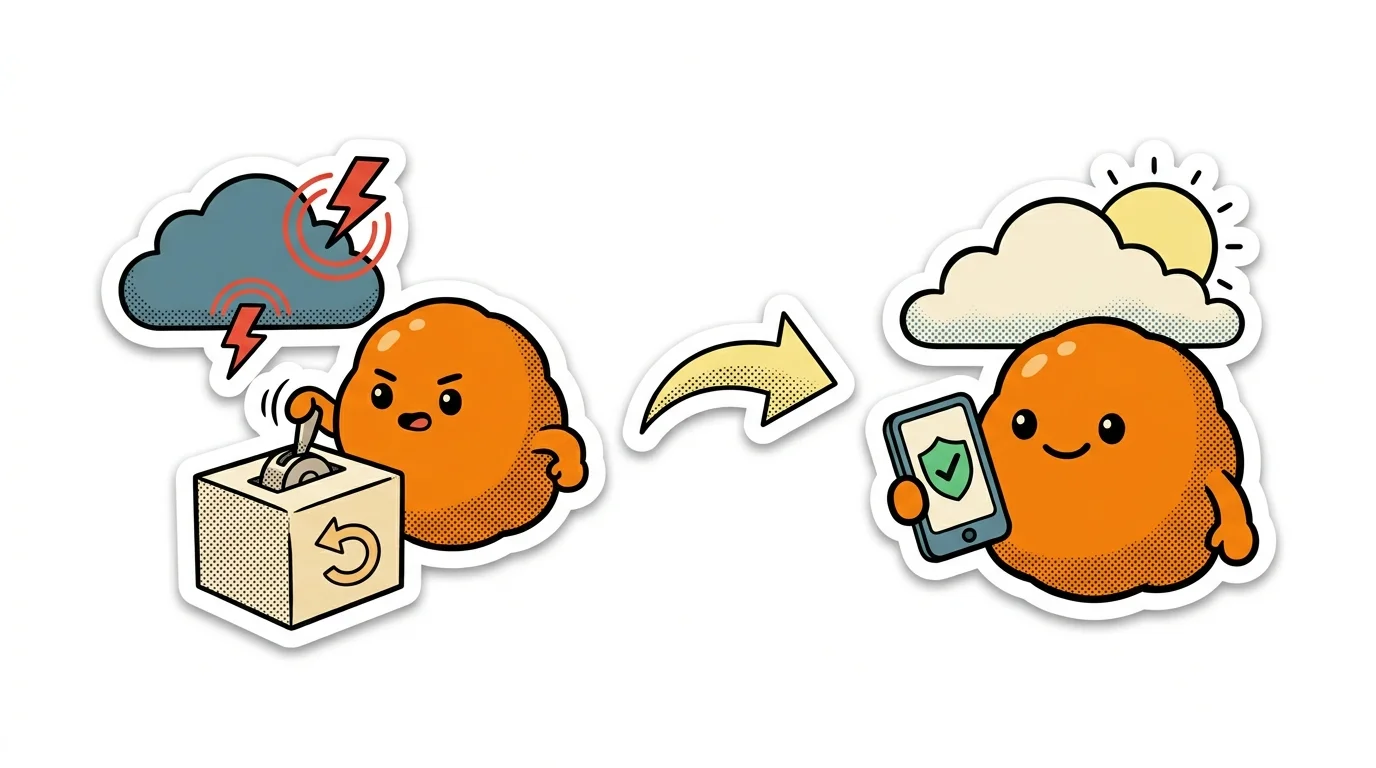
Edge 5xx alerts never wait for business hours. When a Cloudflare Worker starts throwing errors after a deploy, you usually scramble onto a laptop, open three Cloudflare tabs, correlate recent git commits, figure out the right rollback command, run it, and refresh the endpoint until traffic recovers.
Connect Cloudflare Notification webhooks to your on-call agent in Alook and that thirty-minute fire drill becomes a three-minute phone confirmation. The instant Cloudflare fires a Worker error-rate alert, your ops bot probes the failing route, diffs recent commits against the edge version, and brings in your coding bot to confirm whether a rollback or one-line hotfix is safer. You tap approve from your phone, your bot rolls back via wrangler, and keeps checking until the route returns clean 200 OK.
Alook keeps high-stakes edge actions fast without giving up safety. First, Alook Triggers accept Cloudflare webhook notifications directly with optional secret verification so alerts wake only your ops bot. Second, your bot runs locally with your real git history and wrangler CLI, so diagnosis happens in seconds instead of copy-pasting dashboards. Third, destructive production rollbacks stay gated behind your explicit confirmation in Alook.
Watch the loop: Cloudflare 5xx alert to one-tap rollback and 200 OK
Take a Friday-evening Worker deploy (v42) that breaks /api/sync for 4.8% of edge requests. Watch how Cloudflare's alert wakes Vega (ops bot) and Atlas (coding bot), puts a clear rollback decision in front of Kai, and verifies full recovery.
Set up your Cloudflare edge-recovery loop in 3 steps
Connect the machine that has your repo and signed-in wrangler CLI on the Machines page. Create your ops bot (Vega) and coding bot (Atlas) in My Bots, and add both to /edge-ops.
Wire Cloudflare Notifications to Vega right from Alook:
Open My Bots → Vega → Triggers and pick Cloudflare
Workers, Pages, and account alerts
Next: Alook creates a private link and optional verification key.
Copy your private Trigger link
Connect in Cloudflare
- In Cloudflare Dashboard, open Notifications → Destinations → Webhooks.
- Paste the Trigger link (and the key if you turned on protection).
- Attach it to any Cloudflare alert policy.
Paste into Cloudflare and verify Connected in Alook
Cloudflare · Last triggered just now
Cloudflare webhook active. Ready to triage edge alerts and verify rollbacks.
Keep read-only probes and git blame automatic, while requiring your explicit Alook approval before any wrangler rollback runs. For application-level stack traces and latency alerts, pair this with our Sentry crash-to-hotfix loop or Grafana latency on-call loop.