Turn Sentry production crashes into tested hotfix PRs
Wire Sentry issue webhooks to local coding agents in Alook so new exceptions get blamed, pinned with a regression test, shipped in a hotfix PR, and resolved in Sentry.
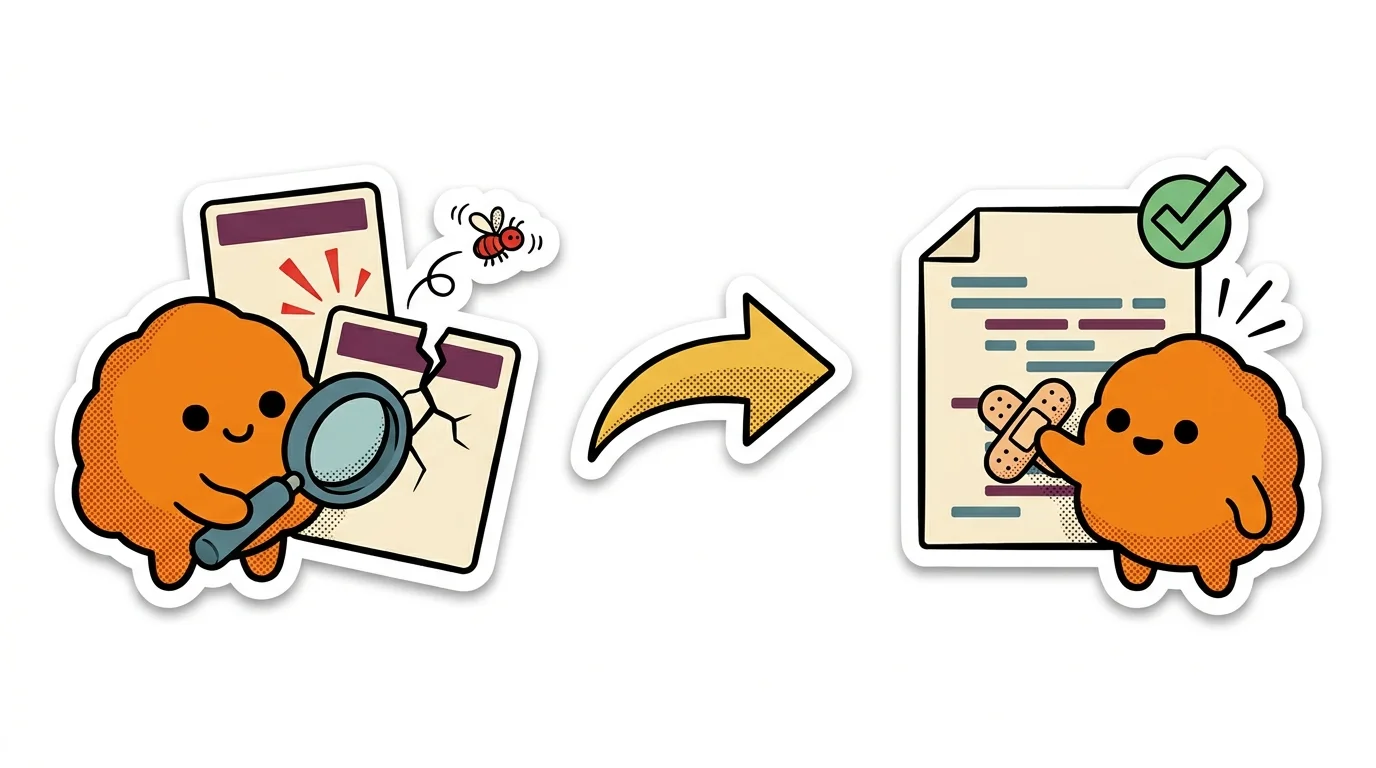
Sentry alerts pile up faster than anyone can triage them. Every new crash means clicking through email, reading a minified stack trace, switching to your editor to run git blame, writing a reproduction test, opening a hotfix PR, waiting on review, deploying, and finally remembering to resolve the Sentry issue.
Connect Sentry webhooks to your local AI coding agents in Alook and production crashes walk themselves straight to a tested hotfix PR. The first time a new exception fires, Sentry wakes your coding bot to trace the culprit line in your real repository, pin the bug down with a failing unit test, implement the fix, and hand the PR to your reviewer bot. Once you approve and ship, your bot links the release in Sentry and marks the issue Resolved.
Alook makes this loop practical on real production codebases. First, Alook Triggers verify Sentry's Client Secret on a private bot endpoint so noisy production alerts never flood human channels. Second, your coding and review bots run on your own machine with full source maps, git history, and your real test runner. Third, Alook isolates external Sentry stack payloads as untrusted input so user-controlled error strings can never trick your agent into merging unreviewed code.
Watch the loop: Sentry crash to tested hotfix PR and Resolved issue
Take a TypeError spike in mossnote-web when a user exports a note with an empty alt attribute. Watch how Sentry's issue webhook wakes Atlas (Claude Code), brings in Iris (Codex) to verify the regression test, and closes the Sentry issue after shipping.
Set up your Sentry crash-to-hotfix loop in 3 steps
Connect your dev machine with your repo, test suite, and gh CLI on the Machines page. Create Atlas and Iris in My Bots, and add both to /prod-fixes.
Wire Sentry to Atlas right from Alook:
Open My Bots → Atlas → Triggers and pick Sentry
Production errors and alert rules
Next: Alook creates a private link to paste into Sentry, then you paste back the key Sentry gives you.
Copy your private Trigger link
Connect in Sentry
- In Sentry, open Settings → Developer Settings → Custom Integrations.
- Paste the Trigger link and turn on the alerts or issues you want.
- Copy the Client Secret from Sentry and paste it here to finish setup.
Paste into Sentry and verify Connected in Alook
Sentry · Last triggered just now
Sentry Client Secret saved. Ready to turn new crashes into tested hotfix PRs.
Filter Sentry alert rules to production and is:unresolved first so your bot focuses on real regressions instead of staging noise. Pair this with our Datadog multi-agent incident loop when you need cross-service SLO coordination.