Recover failed Stripe payments and disputes with AI
Connect Stripe webhooks to revenue and support bots in Alook to verify account context, send approved recovery notes or dispute evidence, and track invoices until paid.
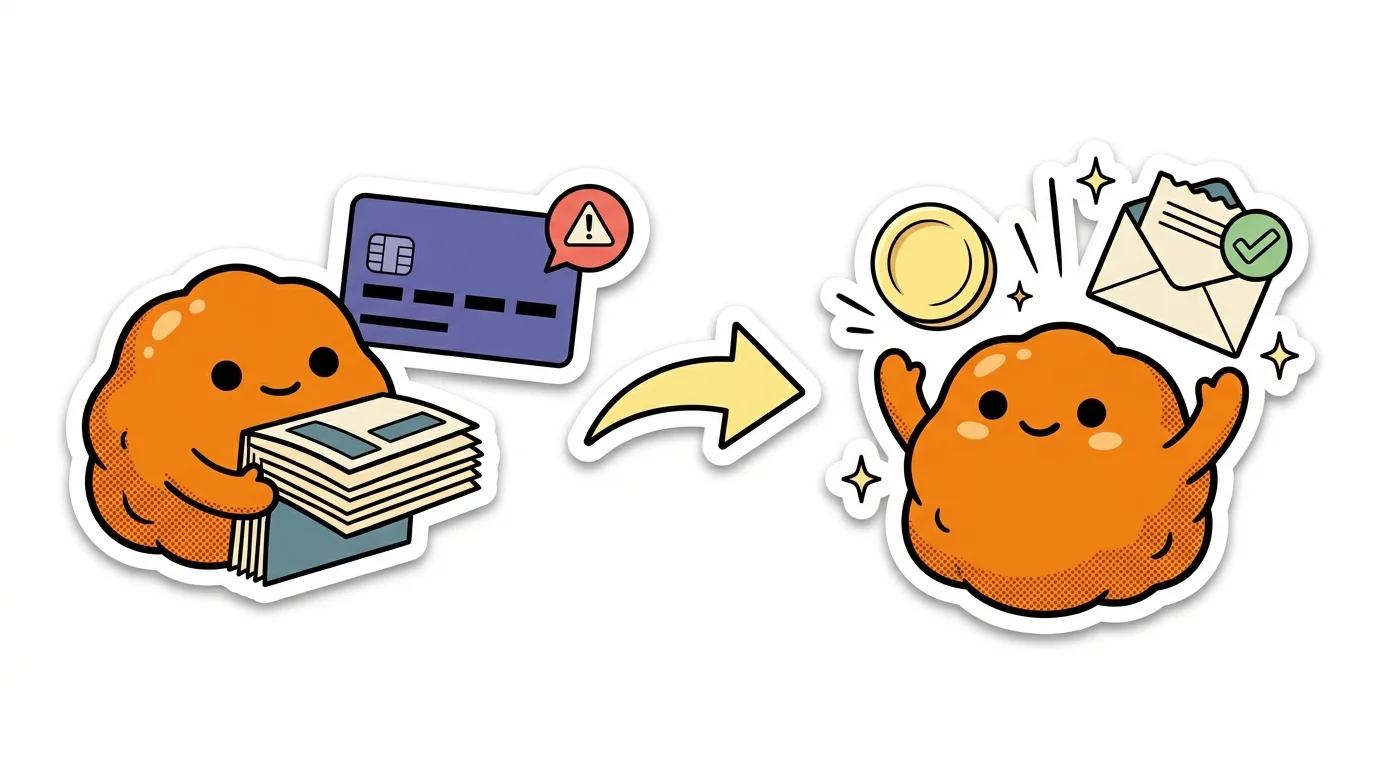
Failed renewals and card disputes leak revenue quietly when you are busy shipping product. A payment_failed email gets buried, an annual customer churns without anyone noticing, or a chargeback hits its evidence deadline while you are still hunting through login logs, invoices, and support threads to assemble a PDF.
Wire Stripe webhooks to your revenue agent in Alook and every failed payment or dispute runs a complete recovery loop. When invoice.payment_failed or charge.dispute.created fires, your revenue bot pulls account usage and billing history, checks with your support bot whether the customer hit any recent bugs, and puts a tailored recovery email or dispute evidence packet in front of you. You tap approve from your phone, your bot sends the outreach or files the evidence, and tracks Stripe until the money comes back.
Alook keeps sensitive billing actions fast and controlled. First, Alook Triggers verify Stripe's whsec_ signature on a private bot endpoint so customer billing data stays in your private ops room. Second, your revenue and support bots collaborate in one Alook thread with access to your real product analytics and support logs. Third, no customer email or Stripe dispute submission goes out without your explicit confirmation.
Watch the loop: Stripe failed renewal to checked context, outreach, and paid invoice
Take a $240.00 annual team renewal that fails on an expired corporate card. Watch how Stripe wakes Clara (revenue bot), cross-checks recent support history with Milo (support bot), sends a personal update link on Elena's approval, and closes out when invoice.paid arrives.
Set up your Stripe revenue-recovery loop in 3 steps
Connect your machine with Stripe CLI and email/CRM credentials on the Machines page. Create Clara (revenue) and Milo (support) in My Bots, and add both to /revenue-ops.
Wire Stripe to Clara right from Alook:
Open My Bots → Clara → Triggers and pick Stripe
Payments, subscriptions, and disputes
Next: Alook creates a private link to paste into Stripe, then you paste back the key Stripe gives you.
Copy your private Trigger link
Connect in Stripe
- In Stripe Dashboard, open Developers → Webhooks → Add destination.
- Paste the Trigger link and pick the billing events you want.
- Copy the key (whsec_...) Stripe gives you and paste it here to finish setup.
Paste into Stripe and verify Connected in Alook
Stripe · Last triggered just now
Stripe signing secret saved. Ready to triage failed payments and disputes.
Run the same pattern for charge.dispute.created so Clara gathers login timestamps, invoice receipts, and support history into a ready-to-submit evidence bundle well before Stripe's deadline. If you sell developer tools or memberships on Polar too, check our Polar order fulfillment loop.