Run overnight OpenAI Batch and fine-tune eval loops
Wire OpenAI completion webhooks to local eval and coding bots in Alook so finished batches score automatically, patch top failure clusters in a PR, and queue the next run.
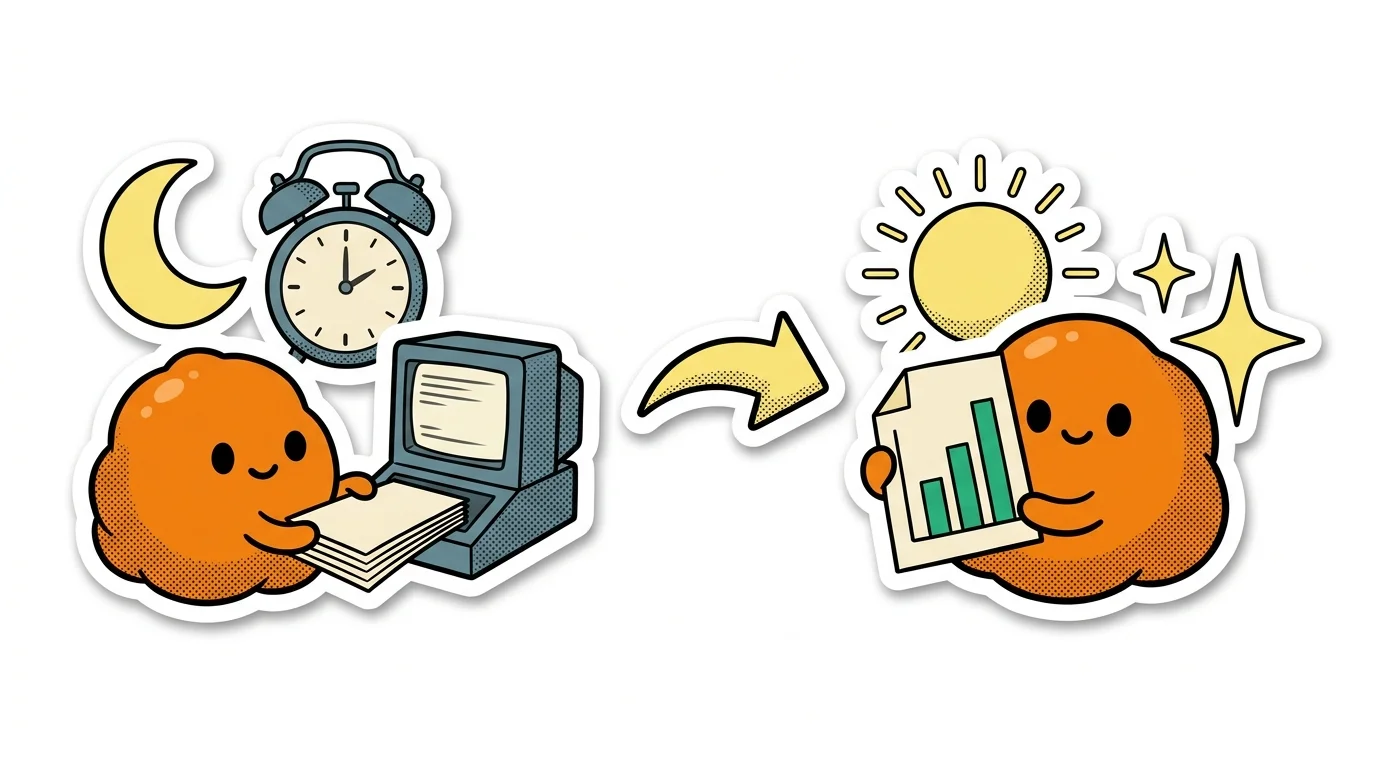
Long-running OpenAI Batch and fine-tuning jobs crawl when humans have to babysit them. You kick off a 1,200-prompt eval before bed, check the dashboard in the morning, download the output JSONL by hand, run a scoring script, inspect failure clusters, tweak the prompt, and wait another full day just to finish one iteration.
Connect OpenAI Platform webhooks to your eval and prompt-engineering bots in Alook and overnight jobs roll directly into the next tested improvement. The moment batch.completed or fine_tuning.job.succeeded fires at 3 a.m., your eval bot downloads the results on your machine, diffs scores against baseline, clusters the top failure modes, and hands them to your coding bot to open a smoke-tested prompt PR. You wake up to a clear scorecard and a one-tap launch for the next batch.
Three Alook mechanics make autonomous AI eval loops dependable. First, Alook Triggers verify OpenAI's Standard Webhooks signature privately on your eval bot so nocturnal completions trigger local scripts reliably without polling. Second, both bots run locally against your real eval datasets, golden fixtures, and git repo. Third, paid API runs stay bounded behind your explicit spend ceiling or morning approval in Alook.
Watch the loop: OpenAI Batch completion to error clustering and next-round PR
Take an overnight batch_67f9a2c4 eval across 1,200 extraction prompts. Watch how batch.completed wakes Orion (eval bot) at 3:14 a.m., brings in Atlas (Claude Code) to patch the top failure cluster on PR #334, and hands Maya a ready-to-launch v5 run at breakfast.
Set up your OpenAI eval loop in 3 steps
Connect the machine with your eval scripts, datasets, and OpenAI API key on the Machines page. Create Orion (eval runner) and Atlas (coding) in My Bots, and invite both to /ml-evals.
Wire OpenAI Platform to Orion right from Alook:
Open My Bots → Orion → Triggers and pick OpenAI
Batch jobs, responses, and fine-tuning
Next: Alook creates a private link to paste into OpenAI, then you paste back the key OpenAI gives you.
Copy your private Trigger link
Connect in OpenAI
- In OpenAI Platform, open Settings → Webhooks → Create.
- Paste the Trigger link and pick the events you want.
- Copy the key (whsec_...) OpenAI gives you and paste it here to finish setup.
Paste into OpenAI and verify Connected in Alook
OpenAI · Last triggered just now
OpenAI Standard Webhooks key saved. Ready to score overnight batches and prep next-round PRs.
Running self-hosted GPU training runs alongside OpenAI jobs? Wire your local training scripts with the same closed-loop pattern in our Custom app curl webhook guide.