Extend n8n workflows with local AI agents that ship code
POST from any n8n workflow to an Alook Trigger so your local agents verify changes in a real browser, open tested website or docs PRs, and call n8n back to close your board.
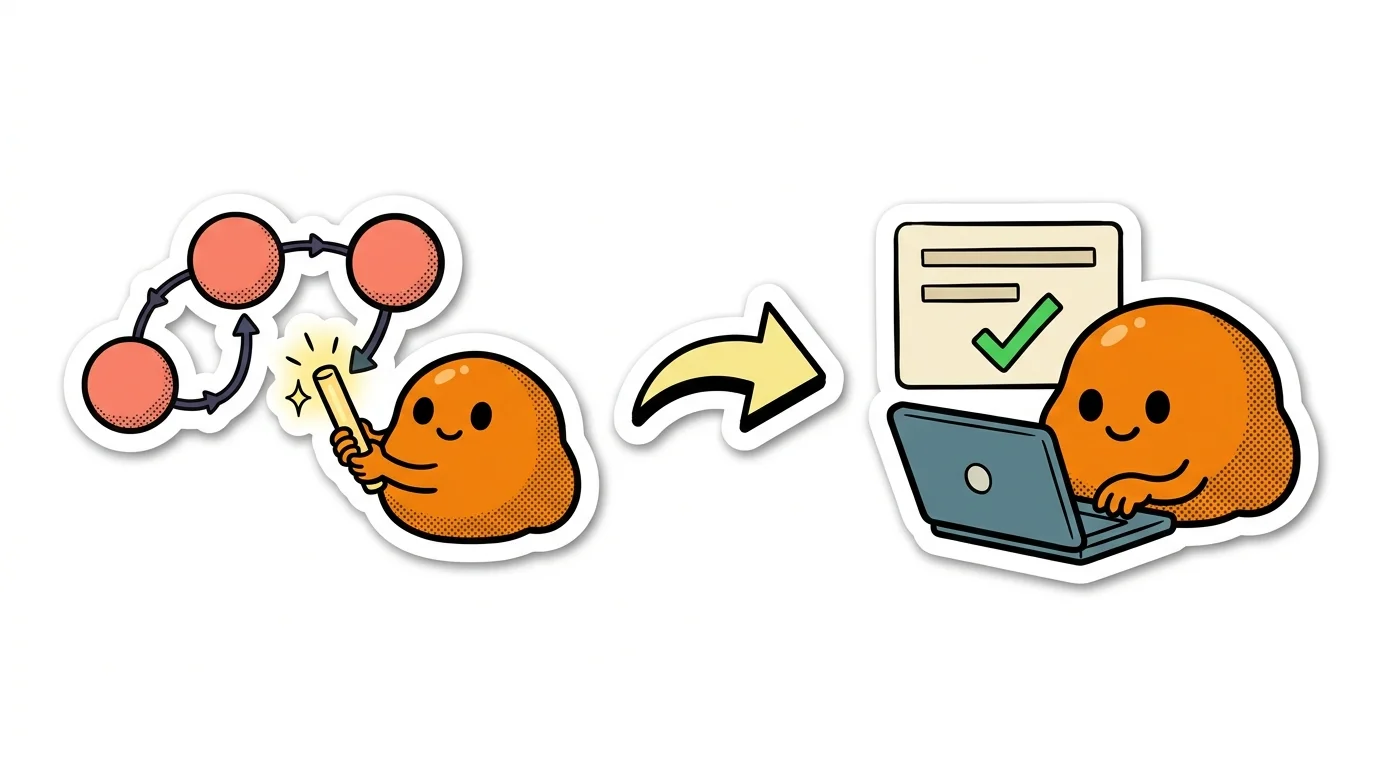
Automation flows in n8n are great at collecting signals across hundreds of SaaS tools, yet most collected items end up sitting unread in a Notion table. When n8n spots a competitor pricing change or recurring community request, a cloud workflow still cannot open your local codebase, verify live facts in a real browser, edit your comparison page, and open a tested pull request.
Wire an n8n HTTP Request node into your local Alook agents and passive monitoring turns into shipped updates. n8n handles the scheduled scraping and filtering, then POSTs high-signal leads to your Alook bot. Your local agents verify the source page in a real browser, open a ready-to-merge website or docs PR with screenshots, and call back n8n once merged so your tracking board updates automatically.
Three Alook details make n8n + Alook a clean two-stage pipeline. First, Alook Triggers give n8n a private POST endpoint with optional X-Webhook-Secret or Bearer auth that queues cleanly if your laptop is offline. Second, your Alook bots operate on your actual local repository and browser without exposing SSH or repo tokens to cloud runners. Third, every PR merge stays behind your quick review in Alook before updating live docs or calling back n8n.
Watch the loop: n8n competitor signal to verified website PR and board update
Take an n8n workflow watching competitor pricing pages and RSS changelogs. Watch how n8n hands a detected pricing change to Sora (research bot) and Nova (frontend bot) in Alook, ships a verified comparison-page PR #341, and triggers n8n's callback to mark the Notion row Shipped.
Set up your n8n-to-Alook shipping pipeline in 3 steps
Connect the machine with your repo and local browser on the Machines page. Create Sora (research) and Nova (frontend) in My Bots, and invite both to /content-ops.
Wire an n8n HTTP Request node to Sora right from Alook:
Open My Bots → Sora → Triggers and pick n8n
Workflow automations and triggers
Next: Alook creates a private link and optional verification key.
Copy your private Trigger link
Connect in n8n
- Add an HTTP Request node (POST) in your n8n workflow.
- Paste the Trigger link and send your message or data in the body.
- If protected, include the key in X-Webhook-Secret or Authorization: Bearer.
Paste into n8n and verify Connected in Alook
n8n · Last triggered just now
n8n HTTP POST verified. Ready to turn workflow leads into shipped PRs.
Building custom shell scripts, cron scrapers, or Zapier flows outside n8n? Use the universal Custom app curl webhook guide.