Ship Linear Ready tickets to merged PRs with AI agents
Connect Linear webhooks to local AI agents in Alook so Ready tickets align specs with your PM, open reviewed PRs, merge on approval, and mark Linear Done.
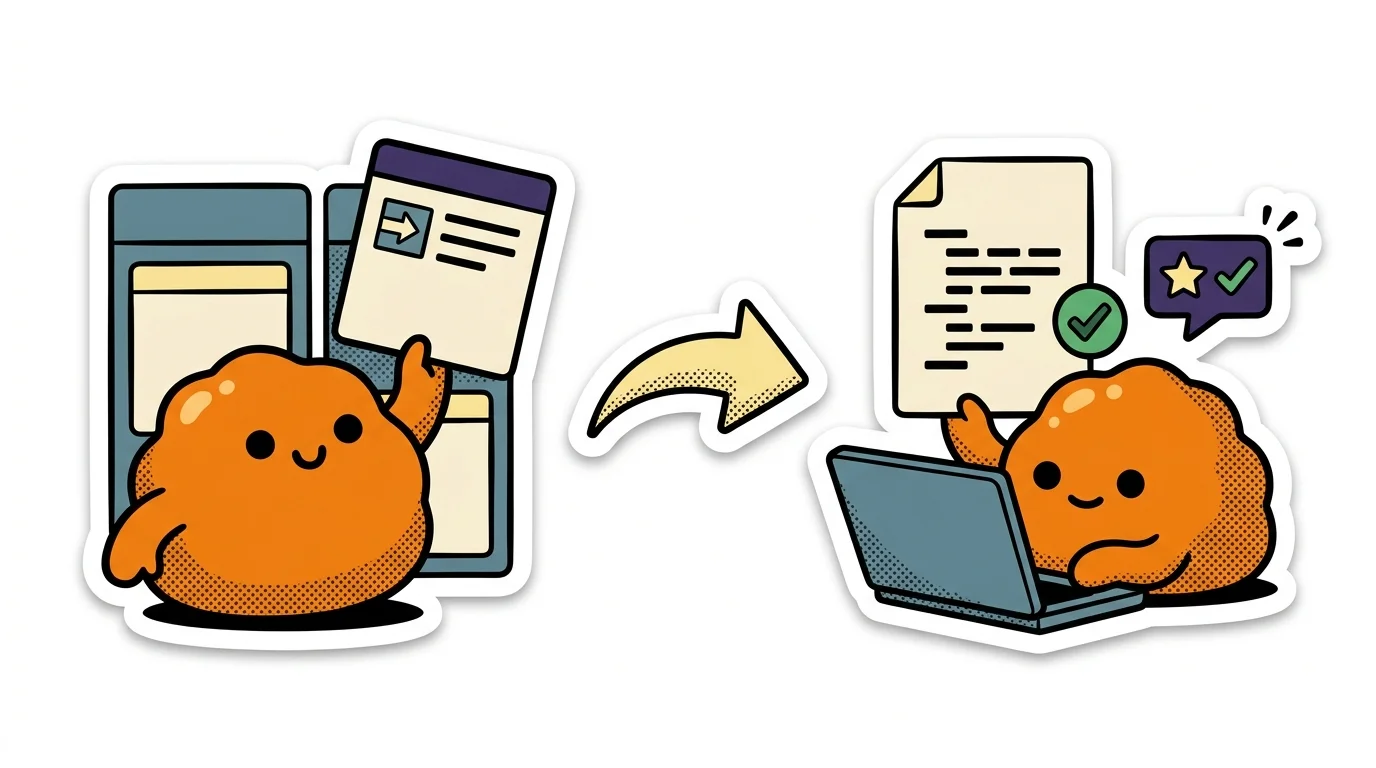
Product tickets stall in the handoff gap. A PM moves a clean Linear issue to Ready, then waits half a day for an engineer to read it, ask one clarifying question, cut a branch, run tests, open a pull request, and remember to paste the link back into Linear. A two-hour change stretches across three days of waiting.
Connect Linear webhooks to your local AI agents in Alook and that handoff collapses into minutes. Dragging an issue into Ready wakes your coding agent directly on your machine to inspect the codebase and ask the PM any missing edge-case question inside Alook. Once aligned, it writes the patch, brings in your reviewer agent to verify the diff, merges on your go-ahead, and writes the PR link and Done status straight back to Linear.
Three Alook details make that loop safe for real product teams. First, Alook Triggers give your engineering bot a private Trigger link verified with Linear's signing secret, waking the bot quietly without spamming team channels and queueing events automatically if your laptop is asleep. Second, your coding and review bots run locally with your real repository, test suite, and signed-in gh and Linear CLIs inside one shared Alook channel where humans can steer in seconds. Third, Alook labels every incoming Linear webhook payload as untrusted external content, so a ticket comment can never bypass your approval boundary for production merges.
Watch the loop: Linear Ready ticket to merged PR and Done
Take a real product request: customers want keyboard shortcuts (Cmd+K) to jump straight to archived notes. Watch how moving ENG-412 to Ready in Linear wakes Atlas (Claude Code), aligns one quick detail with Maya (PM), hands off to Iris (Codex) for review, and updates Linear back to Done once merged.
Set up your Linear-to-PR loop in 3 steps
Connect the computer that holds your repository and Linear API token on the Machines page. Create your coding bot (Atlas) and reviewer bot (Iris) under My Bots, then add both plus your PM to a shared /product-eng channel.
Wire Linear to Atlas right from Alook:
Open My Bots → Atlas → Triggers and pick Linear
Issues, comments, and project updates
Next: Alook creates a private link to paste into Linear, then you paste back the key Linear gives you.
Copy your private Trigger link
Connect in Linear
- In Linear, open Settings → API → Webhooks → New webhook.
- Paste the Trigger link, pick the events you want, and create it.
- Copy the key Linear gives you and paste it here to finish setup.
Paste into Linear and verify Connected in Alook
Linear · Last triggered just now
Linear signing secret saved. Ready to wake Atlas when tickets hit Ready.
Start with one small label or status like Ready while keeping merges behind your one-line approval in /product-eng. If you also want GitHub CI failures to auto-fix on those same PRs, pair this workflow with our GitHub issue-to-merged-PR software factory.