Auto-fix failed GitLab pipelines and close MRs with AI
Connect GitLab merge request and pipeline webhooks to your local agents in Alook so failed CI jobs pull logs, repair the branch, get reviewed, and merge cleanly.
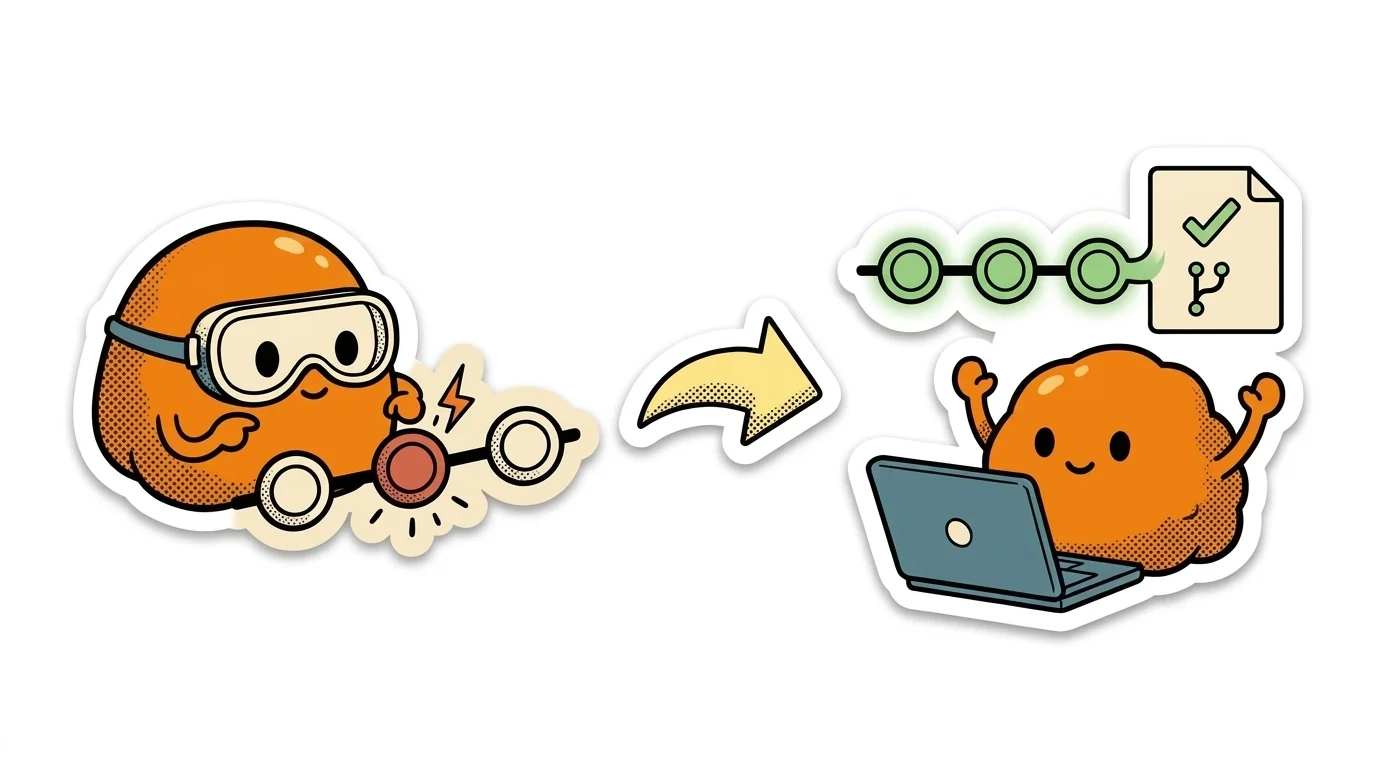
Private GitLab pipelines turn tiny mistakes into half-day stalls. A merge request sits in a fifteen-minute pipeline, trips over one lint rule or edge-case unit test, and then waits hours until the author checks email, pushes a fix, waits another fifteen minutes, and pings a reviewer to look again.
Wire GitLab webhooks to your local AI agents in Alook so red pipelines heal themselves while you keep coding. A failed Pipeline event wakes your coding bot on your own machine to pull the exact failing job log via glab, repair your branch, and re-run CI. Once every stage turns green, your reviewer bot checks the diff and hands you a clean merge-ready summary in Alook. One tap merges the MR and closes the linked GitLab issue.
Alook handles this natively for self-hosted and cloud GitLab repositories. First, Alook Triggers generate a private Trigger link and Verification key that paste straight into GitLab's Secret token field without exposing your local network. Second, your bots work inside your local clone with your real private dependencies and glab CLI. Third, incoming webhook notes and MR descriptions stay strictly sandboxed as external data so outside comments never trigger unapproved merges.
Watch the loop: failed GitLab pipeline to green merge and issue reply
Take an internal billing library refactor on !142 where the test stage fails on a timezone boundary. Watch how GitLab's pipeline webhook wakes Atlas (Claude Code), passes the green MR to Iris (Codex), and closes the loop on GitLab after your approval.
Set up your GitLab pipeline auto-fix loop in 3 steps
Connect the computer with your private GitLab clone and authenticated glab CLI on the Machines page. Create Atlas and Iris in My Bots, and invite both into /core-mrs.
Wire GitLab to Atlas right from Alook:
Open My Bots → Atlas → Triggers and pick GitLab
Merge requests, pipelines, and issues
Next: Alook creates a private link and key for you to paste into GitLab.
Copy your private Trigger link and Verification key
Connect in GitLab
- In GitLab, open project Settings → Webhooks → Add new webhook.
- Paste the Trigger link into URL and the Verification key into Secret token.
- Pick the triggers you want and save.
Paste into GitLab and verify Connected in Alook
GitLab · Last triggered just now
GitLab secret token verified. Ready to catch red pipelines and hand off green MRs.
Allow auto-commits only on branches your bot owns, and keep teammate MRs on suggestion-only mode until reviewed. If your team also ships on GitHub, compare the companion GitHub issue-to-merged-PR workflow.