Cursor Agent Teams: Subagents, Parallel Agents, or Projects?
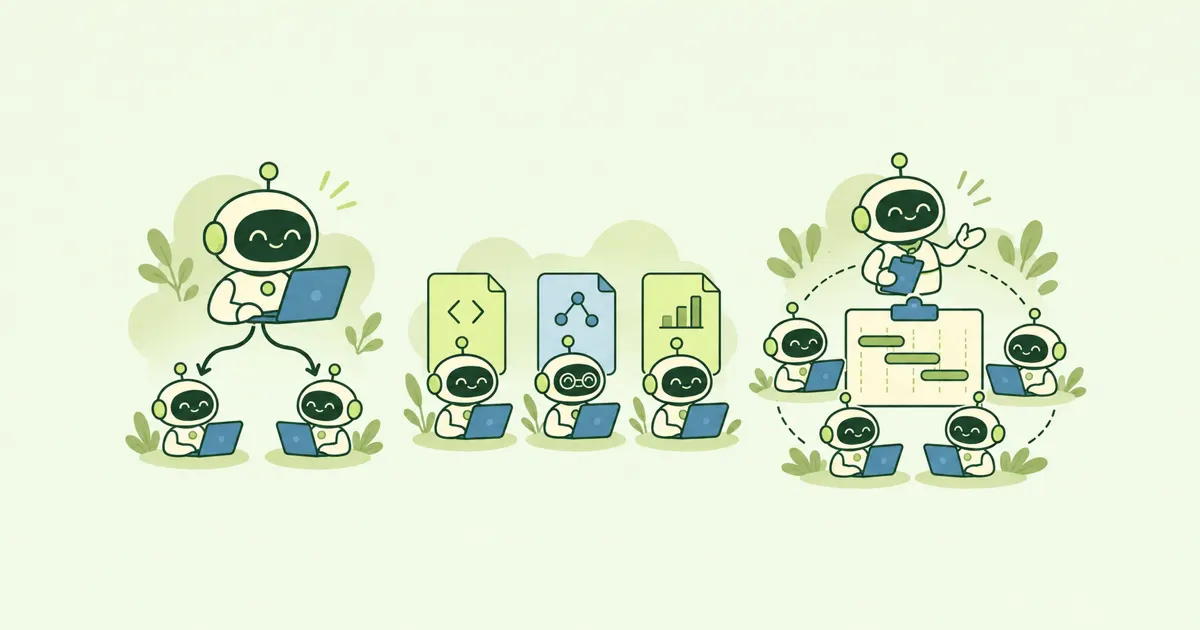
In Cursor, an agent team could mean helpers inside one conversation, separate agents making changes, or a Project that continues across sessions. Which setup fits depends on what you need back and who needs to pick it up next. We’d start with one well-defined task and add coordination when it needs to change hands.
These setups overlap. A Project coordinates agents, and those agents may delegate to subagents as well.
Does Cursor Have Agent Teams?
Yes. “Cursor agent teams” describes several ways to coordinate agents, though Cursor doesn’t use that name for one particular feature. A search for the phrase also turns up Cursor team accounts, which handle people and billing, and an independent community project with a similar name. The team account matters here when colleagues share a Project.
Use Subagents to Give One Task More Focus
Ask an agent to explore a large codebase and it may turn up more detail than the main conversation needs. A subagent does that exploration in its own context and sends the findings back to its parent. You can define specialized subagents for a project, too.
A new subagent starts without the earlier conversation. Its parent needs to pass on the important requirement, such as preserving an API or looking for a regression. “Looks good” on its own tells the parent very little.
Subagents share their parent's checkout by default. Two agents editing the same file may overwrite each other. For independent changes, ask for isolation. Each subagent gets a branch in a worktree or cloud environment, and the parent merges the changes. Read-only research has no competing edits, so we’d leave it in the parent’s checkout. When agents need to change the same files, isolation gives each one its own copy.

With a plan in place, Build in Parallel runs independent steps together and keeps dependent steps in order. The /multitask command starts asynchronous subagents instead of queuing requests.
One user reported that a finished subagent sometimes failed to notify the main agent, leaving the parent looking at stale output. It’s one report, but the finding and the files behind it tell you more than a “done” status.
Use Parallel Agents for Work You Want to Review Separately
Separate agent runs are useful when you want several approaches to the same problem or distinct tasks moving at once. In the Agents Window, each run has its own conversation and changes. You decide which changes to combine.
Worktrees put agents in separate Git checkouts, so their edits stay apart. Someone still has to read each branch and make sure the pieces fit. For competing solutions, we’d look at the diffs and tests before picking one. The first agent to finish hasn’t necessarily found the best answer.
In the IDE, /best-of-n runs the same task across multiple models in separate worktrees. The command produces candidates but doesn’t merge a winner automatically. After picking one, you apply its changes to the main checkout or commit from its worktree. Combining pieces from different runs creates a new change that needs its own test run.
Use Projects When the Work Needs Continuity
A feature or migration often takes more than one conversation. In a Cursor Project, the context carries forward as agents add research and learn about the codebase. You talk to a coordinator that plans tasks and delegates coding to workers. Open a worker to follow its progress or speak to it directly.
In his first-day Projects video, Ray Fernando describes building an API for his transcription app’s first customer. He later reported more than 40 releases over two weeks from one Project, with a release rule and agents testing in cloud environments. His advice: “Write the rule before you leave.” Cursor provided him research credits for that work.
A coordinator still needs direction when agents get stuck. One user described two agents in a Project deferring to each other for a full round. The user broke the loop by directing one to go first. In a separate post, the same user described agents repeatedly overwriting a file. Before handing off the next stage, we’d look at who took each task and what remains open.
Projects run on Cloud Agents by default. The coordinator can start a local agent when a test needs a tool or service installed on your machine. The cloud environment may not have that same setup.
Use Multiplayer Projects When Teammates Share the Work
A shared Project gives the next teammate a place to pick up the thread without reconstructing it from a long chat. Members work from one task board and one project context. Each teammate has their own coordinator and workers, and each person's chat runs and bills as that person.
Project context holds notes for all members’ agents. A personal store is a separate set of your own preferences and skills, available to your agents across Projects. The next teammate gets the project notes without inheriting your personal preferences. Those notes need upkeep. A stale requirement can mislead several agents instead of one.

When one coordinator asks another for information, the receiving agent answers through a side chat and treats the request as agent input. Cursor says the agent asks before sharing personal files or connector data.
Cursor describes an on-call handoff in which the incoming engineer's coordinator picked up the work already in progress. The incoming person could see the tasks and notes that needed attention before taking over.
Check Access, Runtime, and Usage Before You Commit
Projects require a plan with Cloud Agents. Sharing one also requires a Cursor team account, a supported version, and access to the repository. Each teammate joins the Project with their own account. Someone on another Cursor team or a personal account can't join that shared Project. Projects are unavailable with Legacy Privacy Mode because Cloud Agents store code in the cloud while they run. Teammates also cannot join an archived Project or one running on a self-hosted machine. These limits matter when collaborators belong to different organizations.
A local worktree and a cloud Project have different access to files and services. A task tied to a locally available service needs an environment that can reach it.
Pricing changes, so we’d check the current plan when choosing a setup. Current paid plans include a weekly pool for Cursor models. On Premium and above, eligible third-party models draw from prepaid credit at their listed API prices. Teams and Enterprise also have a Cursor Token Rate for eligible third-party requests. Legacy plans use different pools.
When Is It Time to Change Your Setup?
When a parent keeps losing track of what its helpers returned, start by tightening the task and the expected result. A Project adds setup and context to maintain, so we’d make that move when an effort needs to continue across conversations or pass to another teammate. For a short investigation, another coordinator and a shared context may add more overhead than the task needs.
Who picks up a long-running effort next, and what will they know when they do? Our guide to what happens when teammates bring their own agents explores that handoff.
Frequently Asked Questions
Is Cursor Agent Teams an official feature?
Not by that name. The phrase refers to different setups: a parent delegating tasks, separate sessions producing alternatives, or a Project carrying context across a longer effort.
Can Cursor subagents work in parallel?
Yes. Independent subagents may run at the same time, each in its own context, and report back to their parent. For separate changes you want to assess yourself, use individual agent sessions.
Can someone outside my Cursor team join a shared Project?
No. Sharing is limited to members of the same Cursor team, and each participant also needs access to the repository.
Does a subagent see my entire conversation?
A new subagent starts fresh, so its parent needs to include the relevant details in the assignment. Resume an earlier subagent to continue with the context it already has.